Try the cut before the chair.
Add three photos once, pick any style, and see it on you from the front, left and right — with your own hair texture kept.
3 angles per lookAbout 30 secondsAny style
How it works ↓Three steps. No appointment.
- 1
Add three photos
Take a front, left and right photo with your camera when you're ready — or upload ones you already have.
- 2
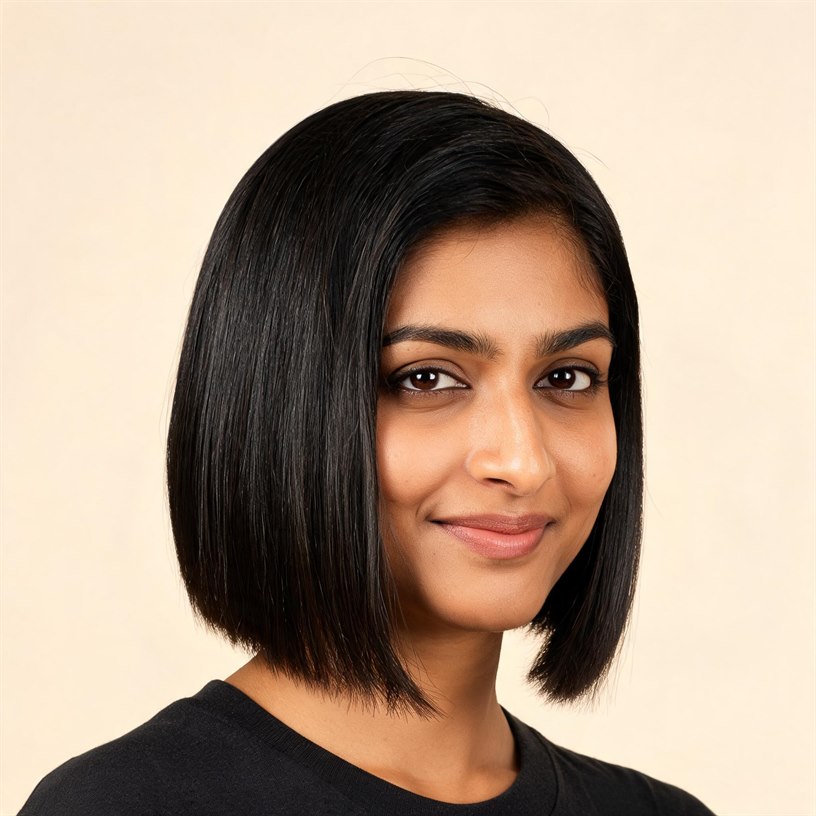
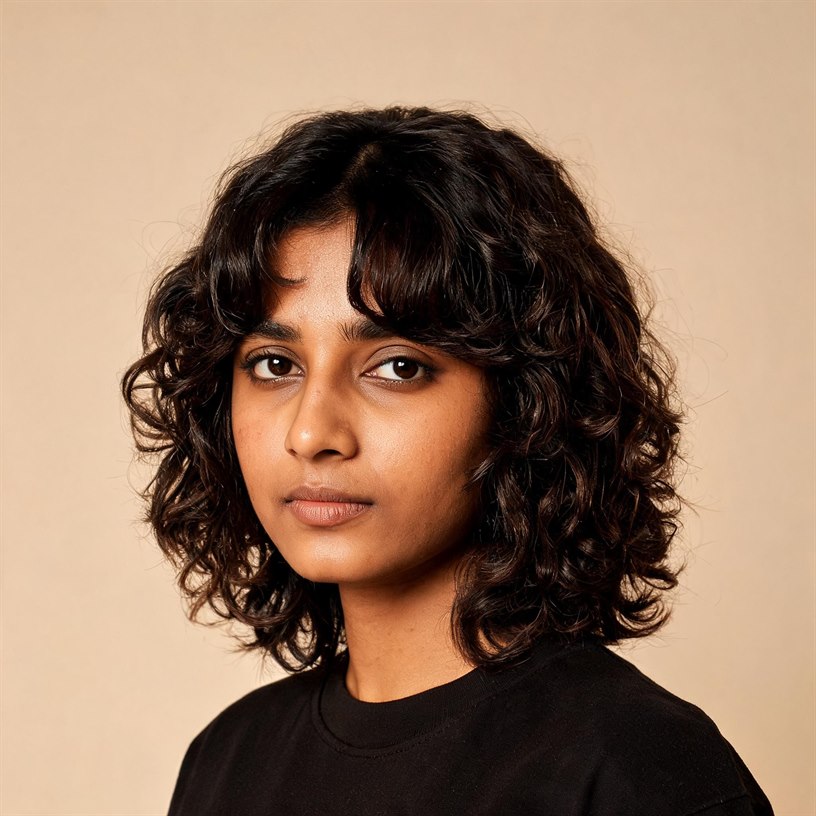
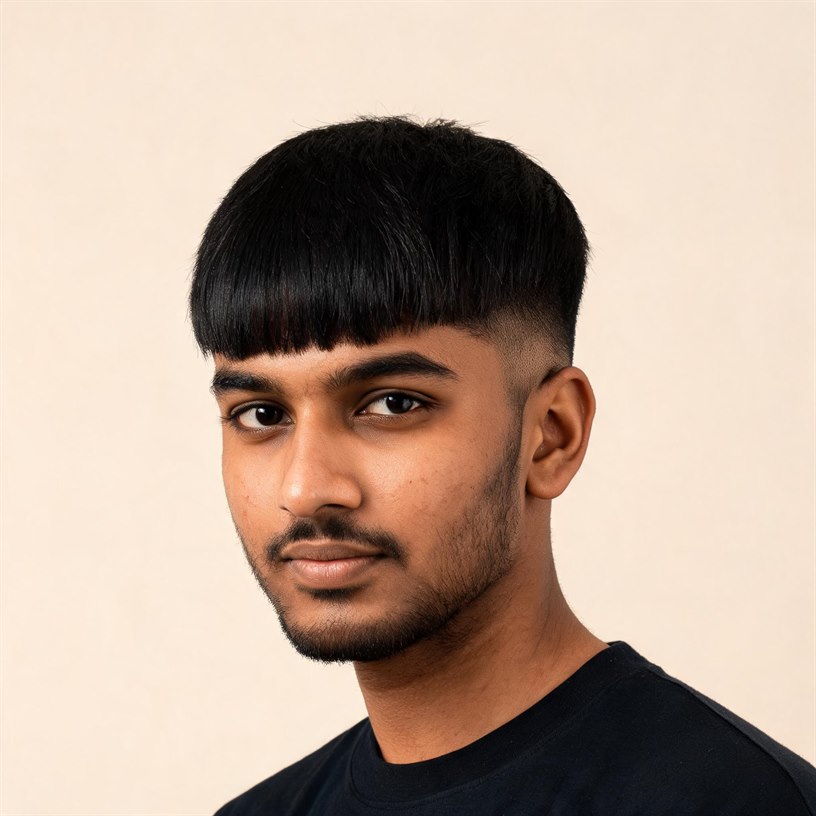
Pick a cut
Choose one from the catalogue or upload a photo of a cut you saw. Add a note like "keep my length".
- 3
 FrontLeftRight
See every angle
Drag to compare before and after, save the look, and show it to your stylist.
Start from a cut you love.
Browse all 42 styles →- Your texture stays yoursCurls stay curls. Only the shape of the cut changes.
- Every angle, one lookFront, left and right, so you see the whole cut.
- Show your stylistSave, download or share the look before your appointment.
Questions
Will it change my hair texture?
No. Your natural texture is kept — the style only sets the cut: its shape, length and layers.
Can I use a photo instead of the camera?
Yes — upload three photos of your face (front, left, right), and any photo of a cut you like.